
Genesis theme v3.0 update kills child themes stylesheet!
that was a fright.. last friday 21st june?..so many of my sites that were built using Genesis framework with a child theme and clients and autoupdaters have been busily updating as and when and suddenly the sites stopped working.
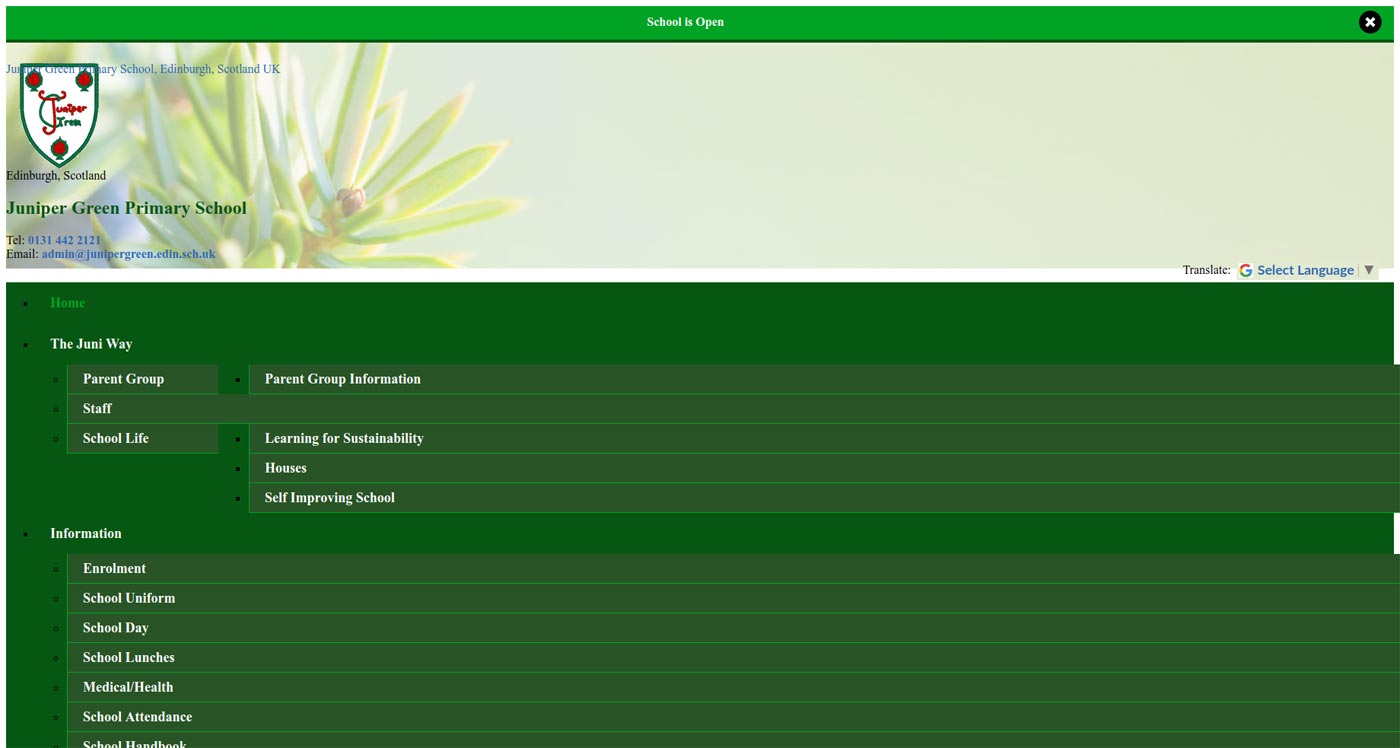
The menus stopped styling , the page layouts went very strange.
So after the blind panic what do you do?
- Find a old copy of genesis theme – i use 2.6 – and name it genesis2.6
- Upload genesis2.6 to your website’s theme folder
- delete the original folder: genesis
- rename genesis2.6: genesis
- disable any autoupdate plugins you have
that fixes the site – for me anyway. But i have oipened a supoprt ticket with genesis to see if they have a better more permananet solution. I will post what they say here.
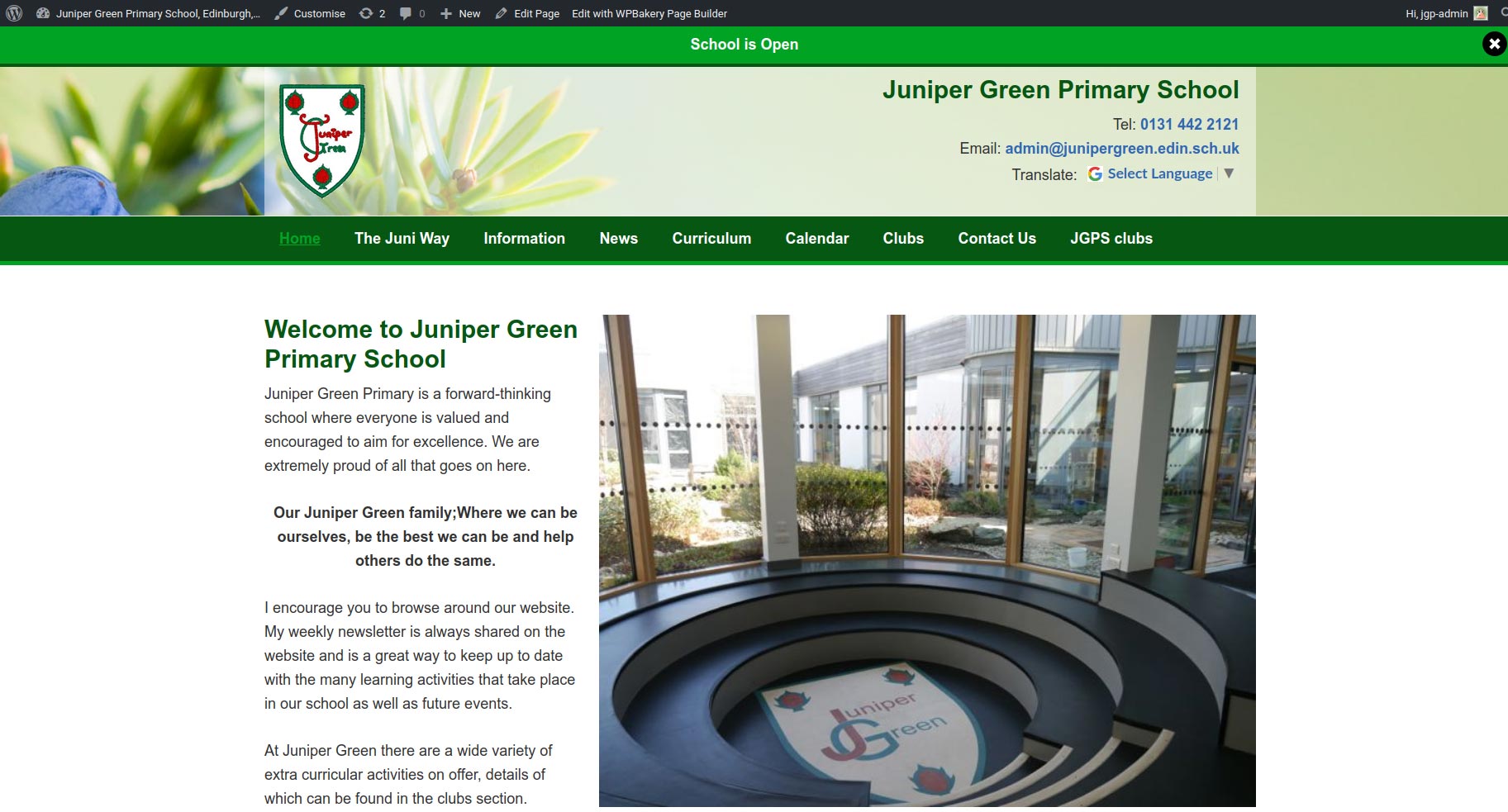
Blow are pics of broken and then fixed site.
BETTER FIX (the html gaul):
- download genesis theme 2.10 stylesheet – i found an old site of mine that had not updated yet and grabbed that
- put in a new folder. i called mine genesisstyle, upload this folder into your child theme theme folder, ie: /wp-content/themes/childtheme/genesisstyle
- Download your child theme /wp-content/themes/child theme/style.css
- Edit style sheet of theme: /wp-content/themes/child theme/style.css
for me roughly line 22
@import url(“../genesis/style.css”);
to:
/*@import url(“../genesis/style.css”);*/
@import url(“genesisstyle/style.css”);
so now instead of looking for the genesis parent theme stylesheet in the genesis folder – it can find it in the child theme’s genesisstyle folder.
hope this is a help
Be careful with the inverted commas! it didnt work for me one time and it was because the inverted commas had changed to.. some other inverted commas.
