
A client asked me today: How to set up Google Analytics and Google My Business and I thought it was all fairly straight forward. But for a first timer its pretty well hell.
GOOGLE ACCOUNT
For a start you need a google account
https://www.google.com/accounts/Login
either using your email address
or creating an account with a Gmail email address.
That involves looking for emails to your email address and adding the code from that back into the website, and then adding your phone number and doing the same thing again OR if setting up a new Gmail address, giving them your phone number and agreeing to a lot of things.
GOOGLE BUSINESS
Then its a good idea to do a search for your business in Google – if it appears in the box to the left then try and clik on Claim This Business – and go through the instructions to claim the business. This can take a coupel of weeks while they send a postcard to your business address – keep an eye out for it – and do what it says.
Or Add your Business here: https://www.google.com/intl/en_uk/business/
Then – edit the buisness listing – add your logo, opening times, pictures, as much as your can AND GET REVIEWS FROM EVERYONE!
GOOGLE ANALYTICS
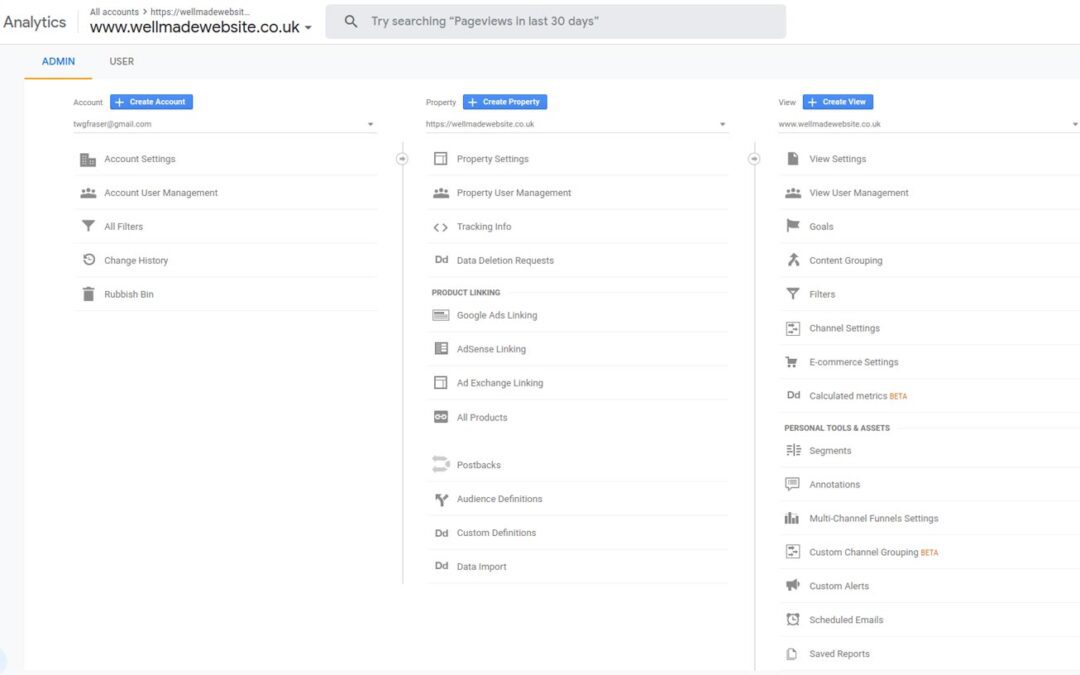
Finally! get google Analytics set up.
Sign up for it here: https://analytics.google.com/
Click Add A Property
Select Web – Measure your website
Continue
Add Name
Add Web Address – either https or http depending on whether you have an SSL
and get the tracking code and add it to your website (or ask me to)
Good luck!
